Workflow discovery
Identify who does what, where information enters the process and which handovers or repeated tasks create friction.
 Technotrends
TECHNOTRENDS / ADDIS ABABA, ETHIOPIA
TechnoTrends is an Addis Ababa studio offering business software, web applications and workflow automation. We start with the process you want to improve, then define what a useful system needs to do.
START WITH THE BUSINESS
If information is scattered across messages, spreadsheets and repeated manual steps, first map the work. A clearer process may be enough; custom software becomes useful when your requirements need a connected workflow.
01 / THE WORK
The scope starts with your requirements. These are areas to discuss, rather than a fixed package.
Identify who does what, where information enters the process and which handovers or repeated tasks create friction.
Plan a browser-based experience around the users and actions your business needs. Requirements such as access roles, requests and records must be agreed for each project.
Discuss which repeated steps could be automated and where a person should stay in control. Existing tools and integrations are assessed during scoping.
Explore a specific business use for AI within a defined workflow. Suitability, data handling, review steps and limitations need to be considered before implementation.
02 / SELECTED EXPERIENCE
Examples from our published portfolio. Client websites may have changed since the work shown.
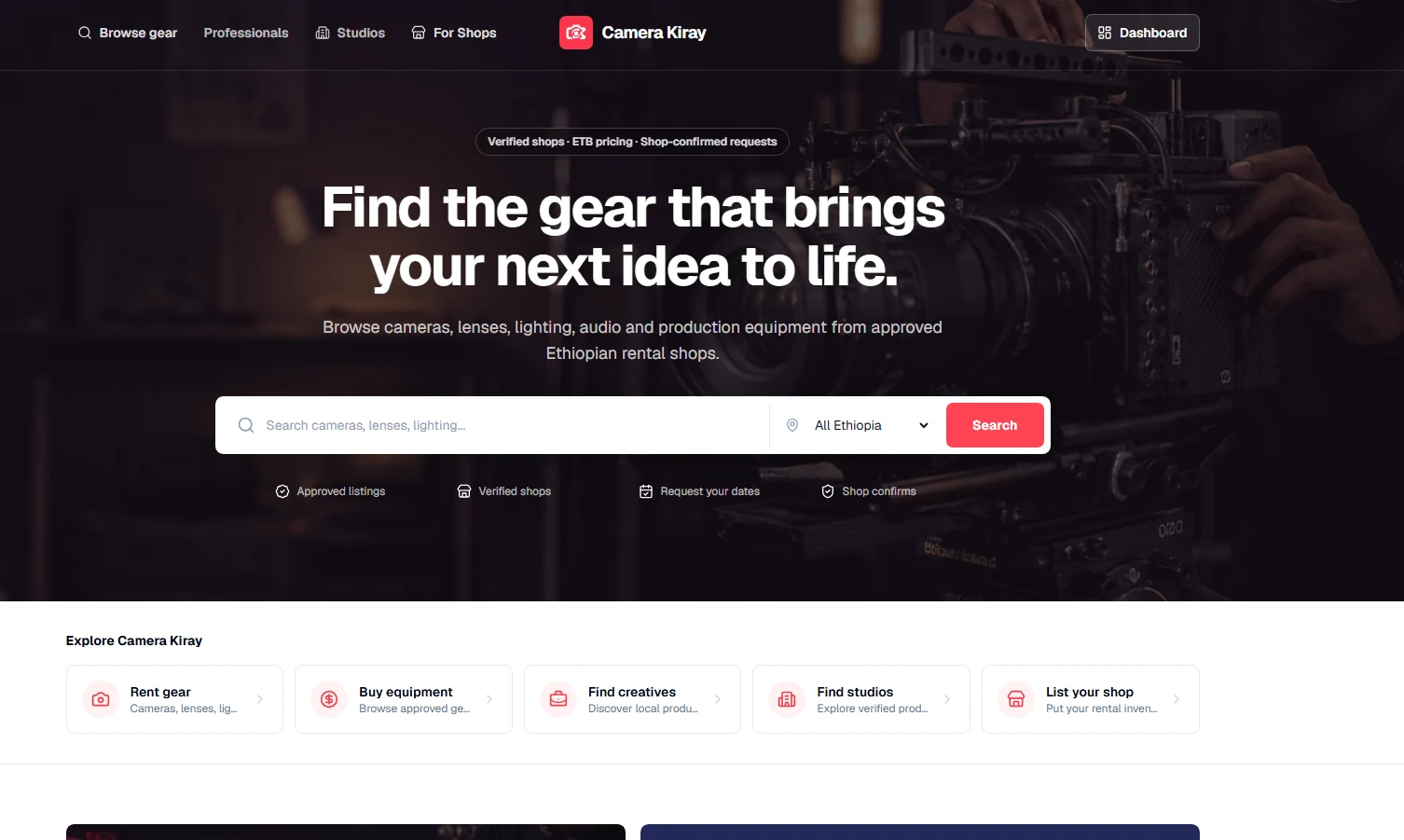
A TechnoTrends product for discovering rental gear and creative professionals, with tools for rental shops to manage requests, pickups and returns. It illustrates how a digital product can support work beyond a brochure website.
Read the case study ↗03 / HOW WE WORK
We discuss your business, the problem and what you want to achieve.
We define the scope, deliverables, timeline and price together.
You see the work and review it against the agreed scope.
We explain the agreed work and define any further support.
BEFORE WE TALK
You don’t need a finished specification. These details help us understand the starting point.
04 / YOUR QUESTIONS
Start with the requirements. Compare the work you need to support with what existing tools can do, then discuss the gaps. Custom development should have a clear purpose rather than replace a tool that already fits.
Define the users, workflow, information, access needs and essential actions. We agree deliverables, timeline and price before work begins, with review points against that scope.
That should not be assumed. Choose a specific task, consider the information it uses and decide how outputs will be checked. Some steps still need human judgement or approval.
Discuss access, documentation, how the system will be used and responsibility for future changes during scoping. We hand over the agreed work and define any further support.
A CONVERSATION IS A GOOD START
Tell us about your business and what you need. We agree the deliverables, timeline and price before work begins.
technotrendset@gmail.com